

Requires a plan with the
webhooks_enabled feature. Configured per-form from that form’s Webhooks settings — there’s no single workspace-wide webhook that fires for every form.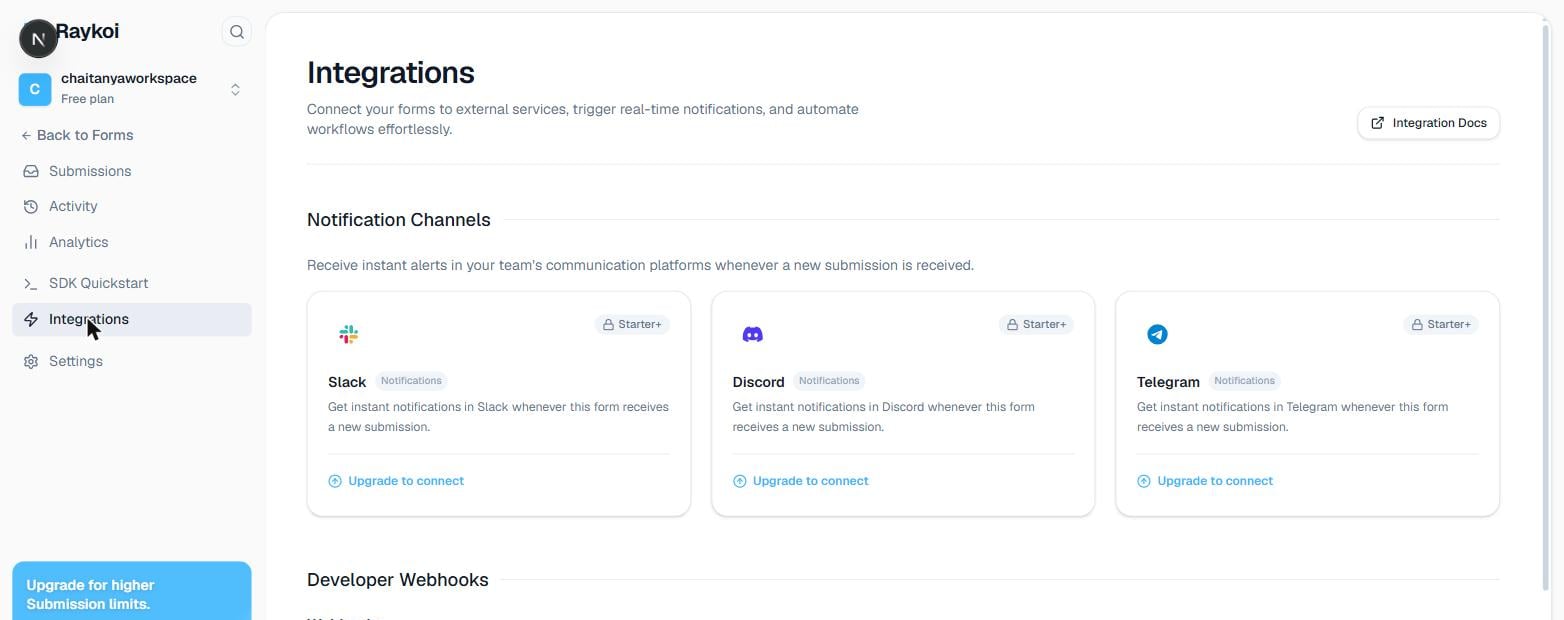
Setting one up
1
Add a webhook
From the form’s Webhooks settings, choose Custom, and enter any HTTPS URL you control.
2
Set a signing secret (recommended)
Optional, but strongly recommended — generated automatically if you don’t supply your own. Used to verify a delivery genuinely came from Raykoi, not an attacker who guessed your endpoint URL.
3
Save, then send a test event
Every webhook has a Send test event button — fires a real delivery with sample data through the exact same code path a live submission would use, so you can confirm your endpoint and signature verification work before going live.
The event
Currently one event type:submission.created, fired after a submission is successfully stored (never for a blocked or rate-limited attempt).
delivery_id is stable across retries of the same delivery attempt — use it to deduplicate on your end, since a retried delivery after a timeout can occasionally result in your endpoint receiving the same event twice (see Retries below).
Headers
string
Sent on every request, signed or not — the one reliable dedupe key.
string
The event type, e.g.
submission.created. Only sent when the webhook has signing configured.string
Unix timestamp (seconds) the request was signed at. Only sent when signing is configured.
string
sha256=<hex> — HMAC-SHA256 over ${timestamp}.${rawBody}, using the secret shown to you once at creation. Only sent when signing is configured.Verifying the signature
Recompute the HMAC over the exact timestamp and raw body you received, and compare with a timing-safe function — never a plain===, which leaks timing information an attacker can use to guess the correct signature byte-by-byte.