

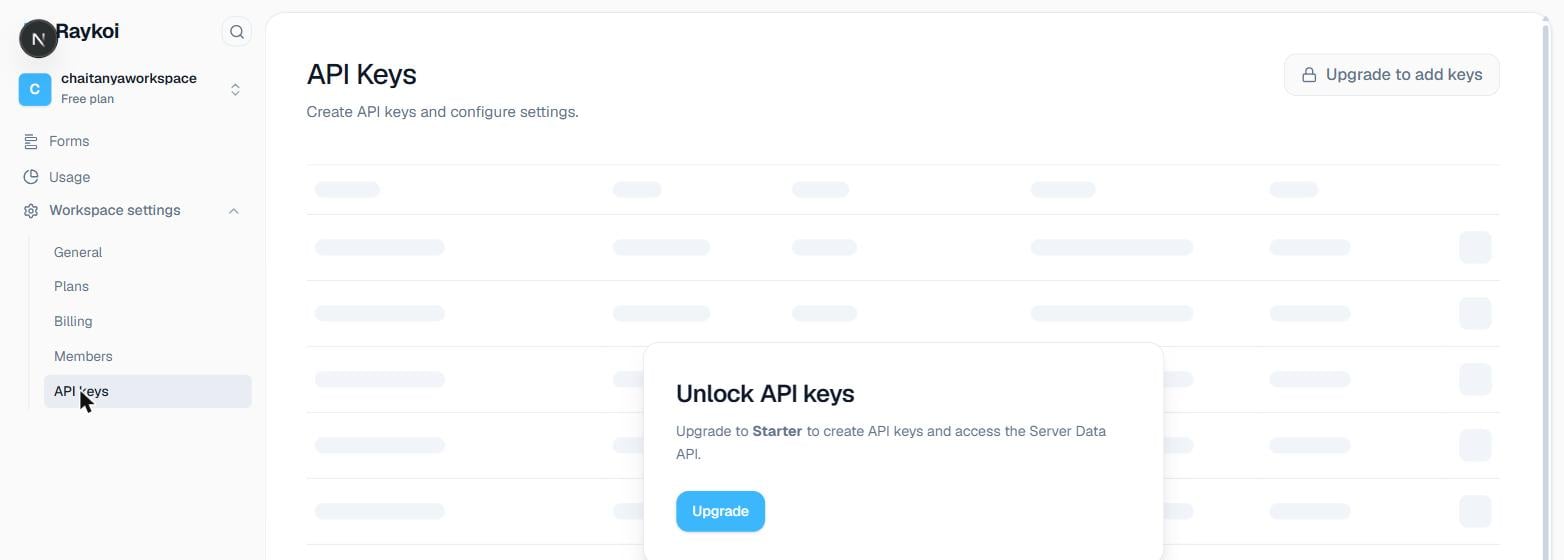
Creating a key
1
Name it
Something that identifies where it’s used —
production-backend, zapier-integration — since you’ll see this name (not the key itself) everywhere the key is referenced later.2
Choose a type
live (rk_live_...) for production, test (rk_test_...) for anything you don’t want mixed into real data.3
Choose scopes
scope
Authenticates a submission, skipping the CAPTCHA gate. Included by default.
scope
Read access to the Server Data API — forms, submissions, analytics, file download URLs. Included by default.
scope
Everything
read grants, plus deleting submissions. Not included by default — add it deliberately.4
Copy the key immediately
The raw key is shown exactly once, at creation. Only its prefix (
rk_live_ab12...) is ever shown again — if you lose the full value, revoke it and create a new one rather than trying to recover it.Using it
Same header everywhere the key is accepted — submitting, or reading through the Server Data API:401:
401